


How to update bootloader on Vu+ Duo 2
Here is tutorial “How to update bootloader on Vu+ Duo 2” originally made by Pheonix from ViX team.
What do you need?
1. USB stick formatted to FAT32. It is recommended that you use HP Format Tool which is freely accessible on the internet.
2. VU+ Duo2 bootloader v2 (Duo2_CFE_V2.zip).
Proccess explanation
1. Format your USB stick to the FAT32 format using HP Format tool.
2. Extract the contents of the bootloader file to your desktop.
The bootloader once extracted will look like this
vuplus
vuplus/duo2
vuplus/duo2/cfe_cfe_auto.bin
vuplus/duo2/cfe_cfe_auto.md5sum
vuplus/duo2/cfe_cfe_auto.model
3. Copy the entire vuplus folder and its contents directly to the root of your USB stick.
4. Fully power down your receiver via the rear power switch.
5. Insert the USB stick containing the bootloader files into your front USB port and power on the receiver.
6. When instructed press the power button on the front of the receiver ( located behind the front flap on the front of the receiver) to initiate the flashing procedure.
7. If all has gone as expected you will see the message “Finished..reboot” at this point you can remove the USB stick and reboot your receiver using the rocker switch again.
Remember that at the moment upgrading bootloader is not mandatory. Update it only if you want WOL function which is why new bootloader was released.
Xtrend 2014 receivers rumors
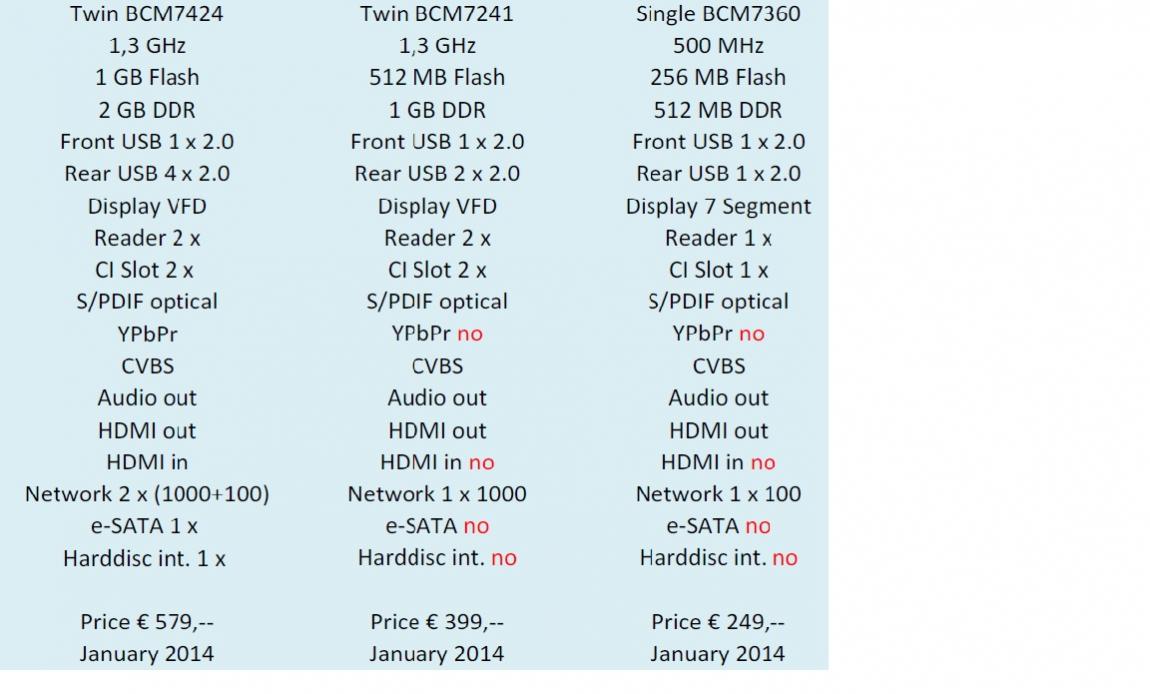
User willy01 from OpenATV forum revealed image with new Xtrend satellite receivers for 2014. Correctness of this information is yet to be confirmed.
E2BMC – a hybrid between Enigma 2 and XBMC
I mentioned E2BMC in Anga 2013 Report article. It is a hybrid between Enigma 2 (OpenPLi) and XBMC XBMC 12.0 Frodo. Admin on OpenATV forum mentioned that this will be closed source project. Not a good news for opensource community which is very strong in E2 world (OpenPLi and all OpenPLi based images also joined under OE-Alliance). But its too early to tell if this will really happen.
OpenATV also got their hands on a test unit and they have already released three videos. Test box has these features:
PNX8471 ARM CPU 600Mhz (1500DMIPS)
512MB DDR2
256MB Flash
2MB NOR / SPI
15W consumption
10W in standby
HD HD PIP
1 card reader
VFD Display
Specifications of this beta box are rather unsatisfying because we know what will DUO2 bring to the table (2GB ram, 1GB flash, two tuners, two screens, etc). But I believe that specs will change. 512MB of RAM is not enough these days, especially with XBMC. I have experience with AppleTV 2 which has 512MB of RAM.
E2BMC uses native dvbapi which means that you could easily use OScam or any other popular emulator. This is important news for many as satellite boxes are just FTA boxes without emulators and therefore not interesting for many users. If I understood correctly, Enigma 2 in integrated in TV part of the XBMC. This means you can use E2 channel lists. Picons are also supported. I am not sure about plugins. I guess if Enigma 2 is only integrated in TV part of the XBMC, then we can forget installing Enigma 2 plugins. But there are tons of XBMC plugins, so that’s a relief. You can expect more information about this project very soon. But you shouldnt expect this to arrive anytime soone. October or probably later is the scheduled arrival for this new system.
Here are some videos from OpenATV team:
How to install Sundtek DVB-C/T USB Stick on Enigma 2 receivers
Sundtek recently released application for Windows and MAC in order to make life easier for those who have problems with manual installation of Sundtek drivers. I have to say that installation is not really straight forward and can cause issues with newbies. With the application they also released nicely organized .pdf file (beside instructions how to use application, there are also instructions how to search for channels in Enigma 2 – OpenPLi) which can be downloaded here: http://sundtek.de/support/Sundtek_MediaTV_setting_guide.pdf
I too own Sundtek DVB-C/T stick but I have to say it could be better. First problem is build quality. It looks and feel really cheap. I paid 60EUR for it and I would expect better build quality. Second problem is reliability. Some frequences on QAM 256 do not work or channels take a very long time to open. Its not that big of a problem for me as these channels are not being watched by me or my family.
EDIT: I have similar problems with frequencies with default Duo 2 DVB-C/T tuner. I guess its signal problem on my end …
For discussion please visit this thread:
https://www.satnigmo.com/forum/index.php?threads/how-to-install-sundtek-usb-stick-on-enigma-2.564/
Anga 2013 Report
Anga 2013 is over and here is the report of new products that manufacturers are going to release this year!
1. Gigablue
Source: novisf.com forum
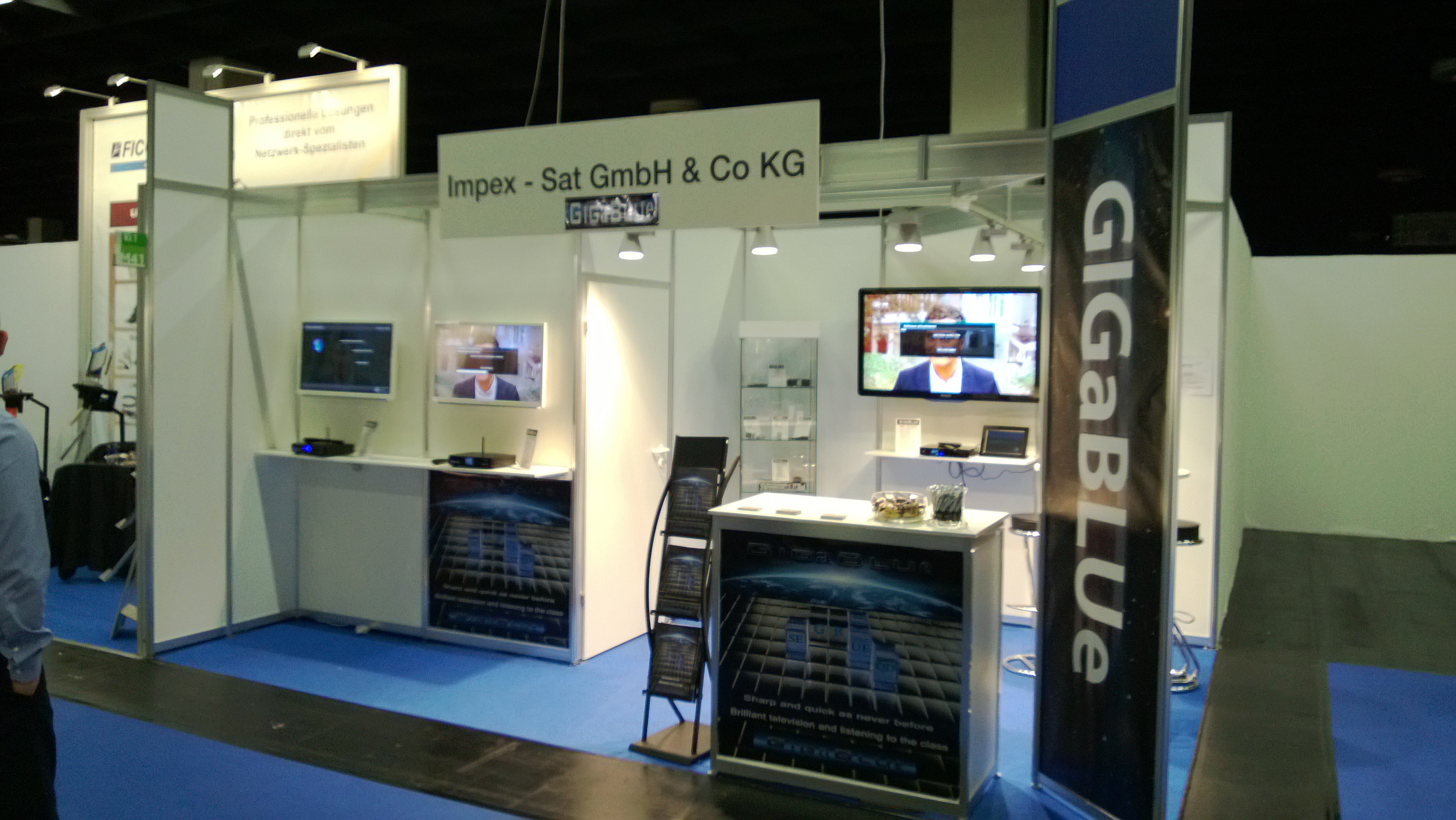
Gigablue presented their 800 UE and SE models with removable DVB-S2 tuner! Here are two presentations that they released:
1. Gigablue Prospekt deutsch 2013
2. Gigablue Prospekt englisch 2013
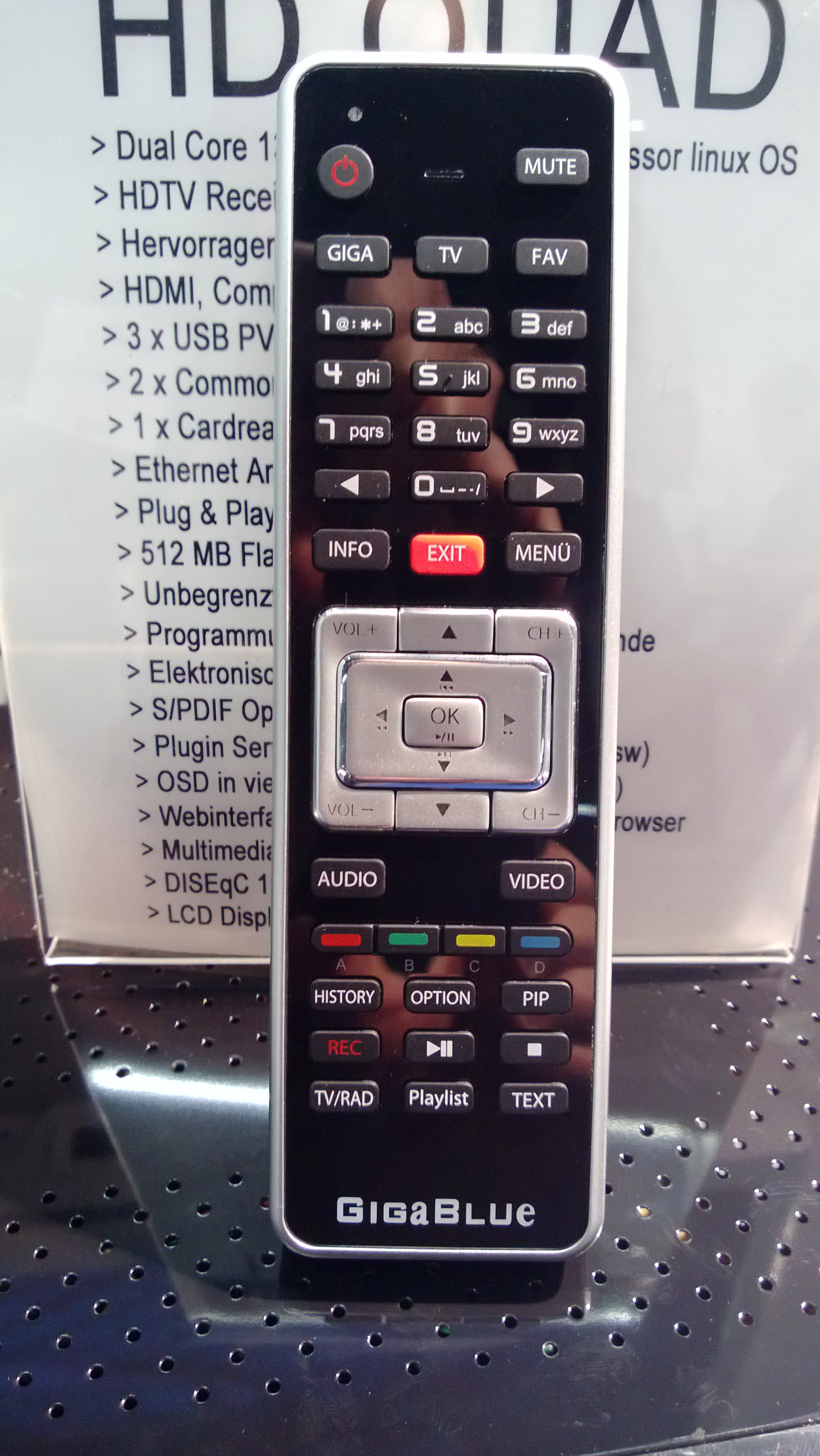
They also presented new remote control.
Source: novisf.com forum
2. VU+
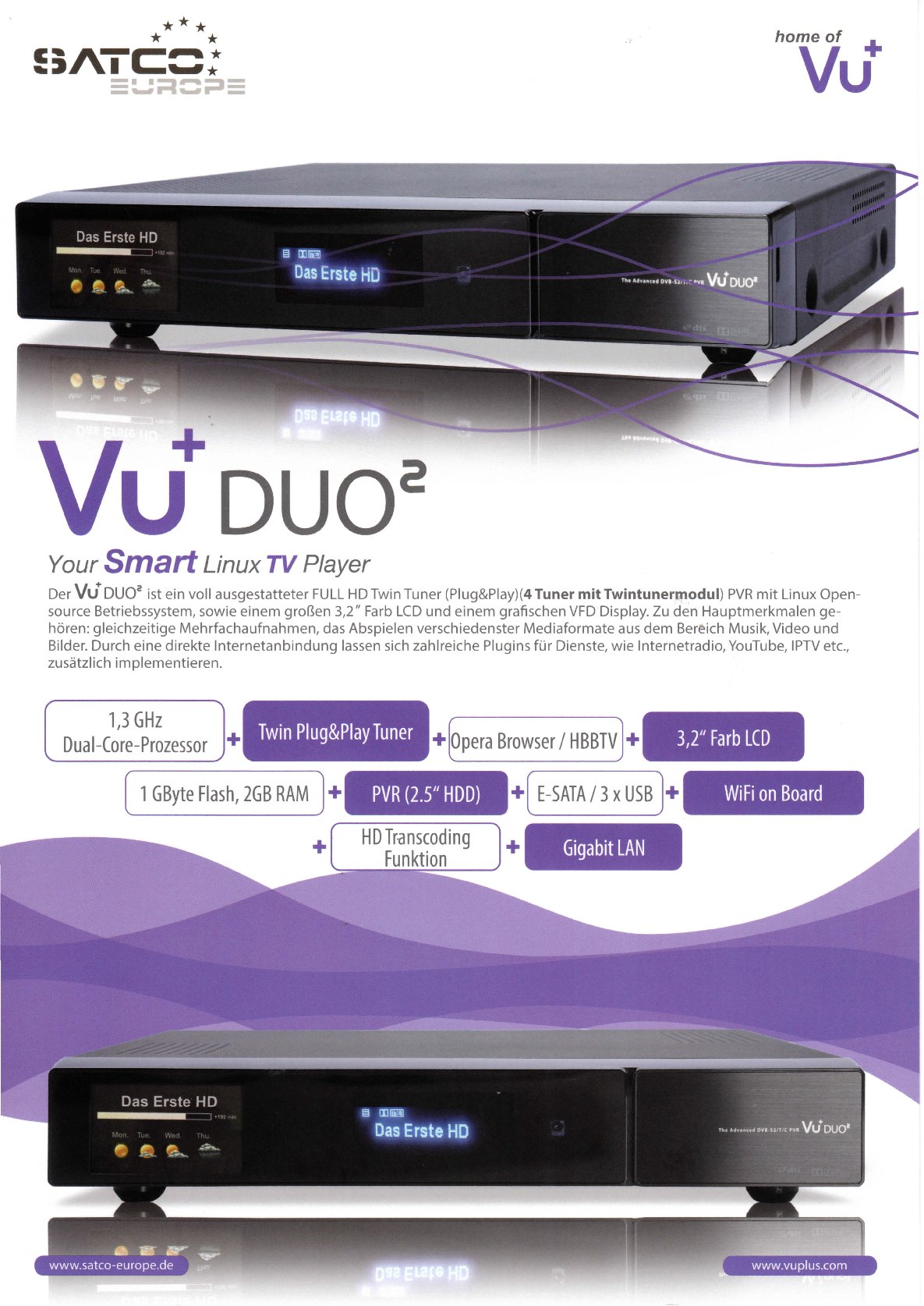
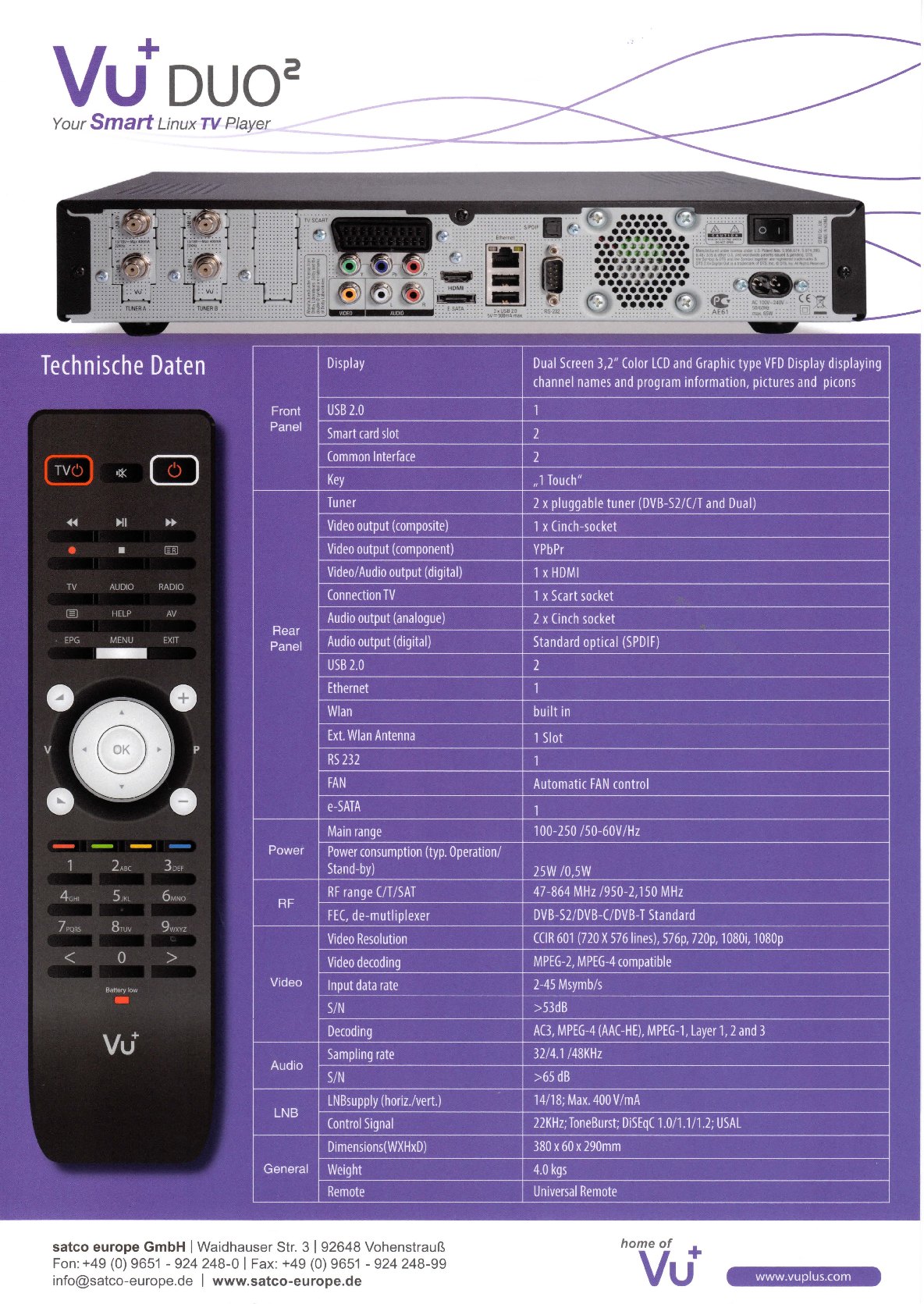
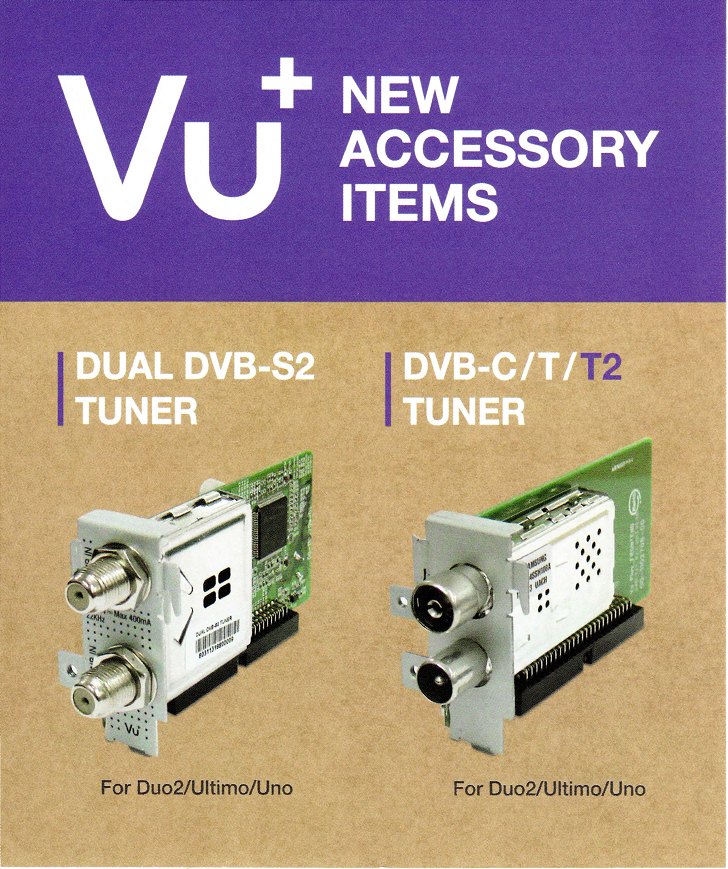
VU+ presented Duo2 which is one of the most wanted receiver this year. Specifications do not disappoint, maybe one additional tuner slot wouldnt hurt. One question is image support, especially OpenPLi which is always late with support for new Vu+ receiver.
Main features are:
1. Better CPU (2 cores) with 1,3Ghz,
2. LCD display 3.2″ and another already seen VFD screen,
3. 2x Plug and Play tuners + you can now use 1x Dual DVB-S2 tuner and 1x DVB-C/T tuner which is ideal setup for many users,
4. New remote control – I think they could easily stick with previous version of remote control as users are already used to it, including me,
5. 1GB of flash and 2GB of RAM (working memory) – 1GB of flash is not really needed right now but 2GB of RAM is nice improvement,
6. WiFi is now built-in. No more playing with setting up USB WiFi stick,
7. Power supply is inside receiver
3. Xtrend
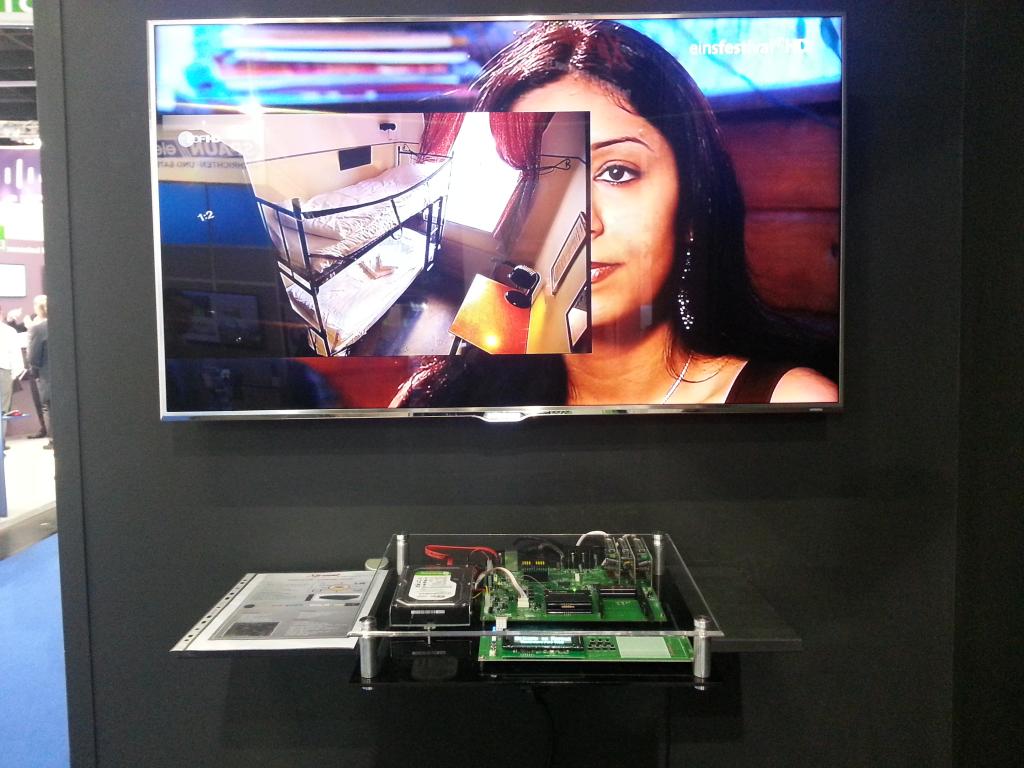
Source: et-view-support.com forum
They were presenting prototype of their new receiver. It should contain BCM7356 CPU but other details are not known. I will keep you informed when I get more information.
4. E2BMC
E2BMC is interesting combination of XBMC and Enigma 2. We can expect this software to be ready in October 2013 (Q4 2013). For more information visit their website www.e2bmc.com. Here is also their video;
